On this page
I can frequently be critical of Google. What is the expression, the harshest critics are often the ones that care the most? Despite their steady downward slide, I did at one point really appreciate them. Even back in 2015 when my Nexus 6p suffered a common catastrophic hardware failure (PDF direct link) [^ Where it would consume power at 200% per hour and die at 60%.] I still kept replacing the phone (four times) and continued to use the device.
However, my Pixel 9 Pro Fold recently started to exhibit a common catastrophic hardware failure: the touch on my outer screen started to fail [ ^ The upside of two screens is that when one fails, you still have the other.] and the battery icon became a question mark. Typically once that starts the devices fail within a week. Mine lasted three more days. Also, I am still dealing with support cases with the Google Store. Since the situation is evolving, I moved that story into another post.
I was able to find recent threads where people were confused about the state of how well backups work on GrapheneOS. This was my first time having to restore on GrapheneOS and I wanted to capture the experience in case anyone else's Pixel device decides to implode. The good news is the process went well for me.
Seedvault - GrapheneOS's built in backup tool
Knowing that my hardware was failing imminently, I had to back my device up.
On stock Pixels changing phones is pretty easy now a days, even when you do not have the original device. Most everything now is backed up into your Google account storage and reconstituted on the new device. The engineering to retrofit this into Android is actually pretty slick. In the Android Developers Backstage podcast, staff from Google recently talked about the challenges around backup and the improvements they are making.
On GrapheneOS the back up option is seedvault. It was known for being very flaky, but has gotten much better over time. Especially after version 15.5 where much of it was rewritten. In fact, the renovations are partially built off some of those mainline improvements.
The big changes were:
- A new format inspired by Restic that uses a new chunker implementation based off FastCDC. This enabled compression and deduplication.
- Snapshots which allows better handling of interruptions.
- Auto-cleanup of older backups.
Seedvault also uses a clever trick. Typically on Android if an app sets android:allowBackup="false", then Auto Backup will not backup their data. However, Android 12 changed the behavior for device-to-device (D2D) transfers like when you connect two phones with a cable. D2D now ignores the flag. Seedvault leverages this by pretending to be a D2D transfer so that it can backup all app data. See PR 562 for more.
This doc from the 15-qpr2 branch covers the new design in detail.
Backing up
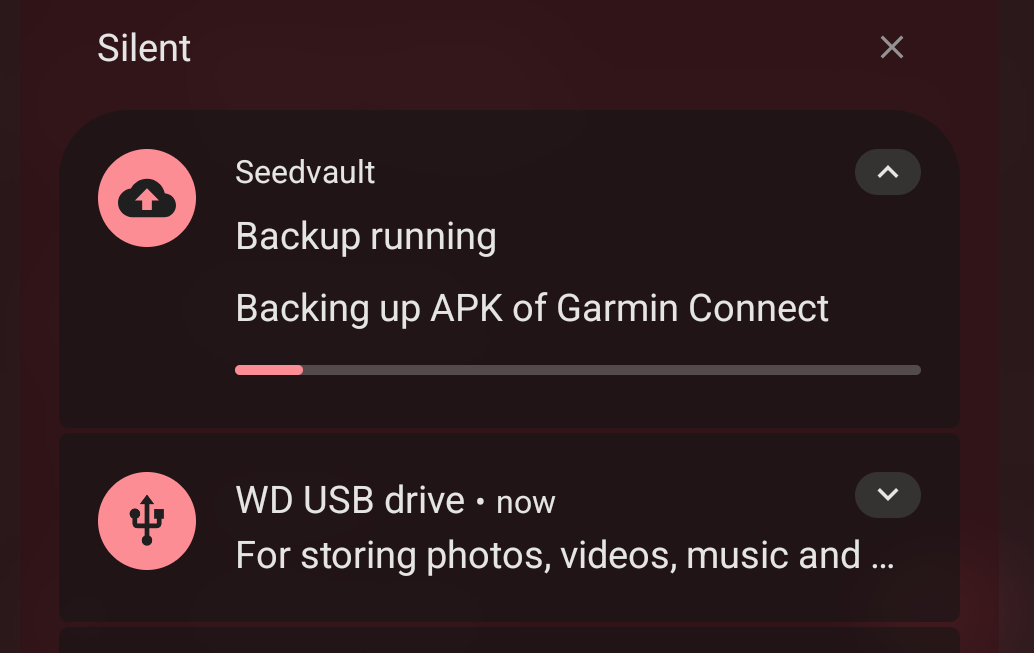
I was able to backup over WebDAV to Nextcloud as well as to a USB 3.0 HDD I connected with an OTG cable:
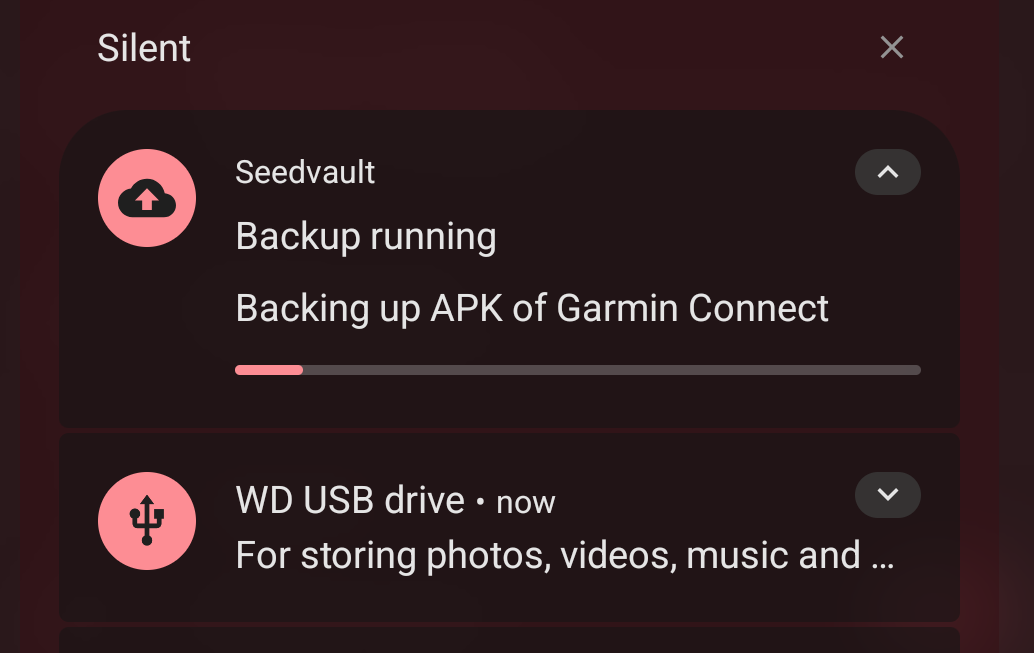
Currently there is no way to configure multiple backup options at once. I had to toggle the backup location when I wanted to change between WebDAV and the HDD, each time reentering the NextCloud information. The HDD backup took maybe a half hour which is pretty fast, all things considered.
Restoring
The HDD backup was an order of magnitude faster than the WebDAV backup. [^ I have pretty good APs, but it's hard to beat data locality.] So for restoration I used the HDD, figuring there would be a similar performance difference.
All of my system settings, WiFi, UI config, etc synced fine, but bluetooth devices all needed to be paired again. I believe this is also the case with a restore on a stock Pixel though.
Seedvault backed up my apps in addition to the system configuration. A couple of apps failed to reinstall though:
- Readwise Reader
- Audiobookshelf
- Google Play Store / Google Play Services / Android Auto.
The listed Google apps make sense, since they need to be installed through the GrapheneOS app store due to sandboxing, but I'm not sure why the third party apps failed to backup.
One interesting caveat is that Google replaced my Pixel 9 Pro Fold with a 10 Pro Fold. Seedvault backed up Google Camera too well, and included some native binaries that differed between devices. The logs complained about something related to lens flares. I had to fully uninstall and reinstall the app to fix it.
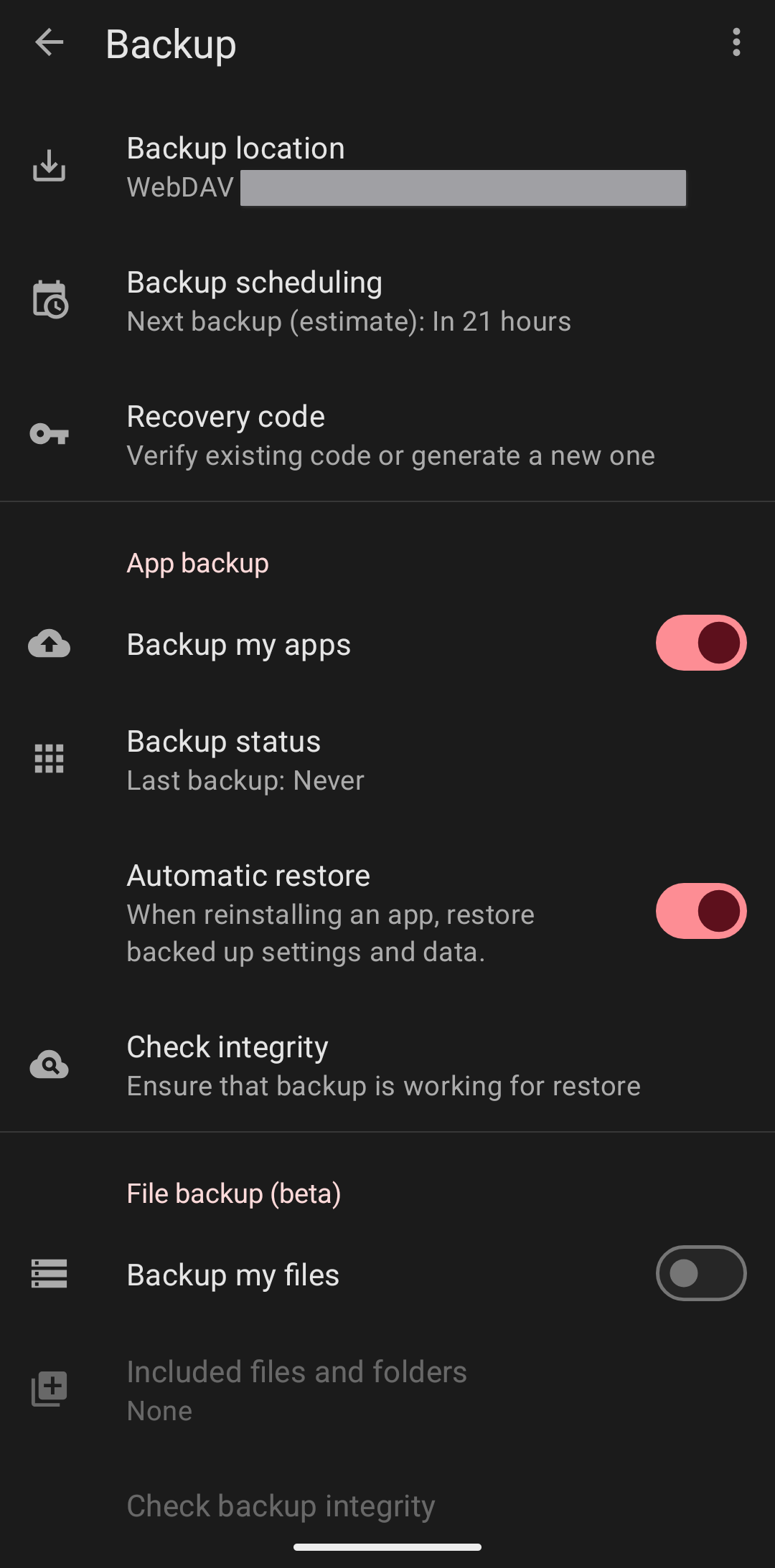
Now that I know how to configure everything I'm going to run backups overnight:
Other device setup
Even with Seedvault I still had to log back into some apps. Thankfully there wasn't too much that I had to configure on my device after the restore.
For a couple apps I manually exported their configuration just to be safe. Ironically, the exports were all uploaded to Nextcloud as zero byte files. There is an issue with Nextcloud where if you select a directory through the Android file picker, it will create empty files. So now for manual exports I write files into a folder on my phone that Nextcloud uploads async.
Weirdly enough, this time passkey authentication with Bitwarden did not work when first logging into Google. Luckily I had backup codes to get into my account.
Also, I couldn't install my esim until I enabled esims. A useful tip: on T-Mobile you need to contact support to get a new esim setup. If you use T-Force through Facebook or Twitter [^ I know, I know, I don't use either of those too, but that's the only way.], they are actually very good with support issues. I also received this lovely comment from the rep:
What a great plan you currently have with so many discounts, I love this so much for you.
Going forward I'm going to use a JMP adapter to store my esim on a physical sim, so I don't have to provision it again.
TL;DR, Seedvault worked well
I'm really happy seedvault is usable now, especially since I had to restore from backup three times while triaging my issues with the Google Store because I had to go in with the stock OS installed. Backup and restore is finally working now. Fingers crossed I do not have to use it again any time soon.