Gadget Review: T2 Max plug-in Thermal Camera ★★★⯪☆

Follow into
Save into
The good folks at Thermal Master have sent me another Thermal Camera to review. The last one was a big beastie with a huge touchscreen. This one is much smaller and is designed to plug into your phone's USB-C port.
The T2 Max is a chunky little camera - but doesn't weight too much. The USB-C connector is long enough to securely plug in even if your phone is wearing a case.
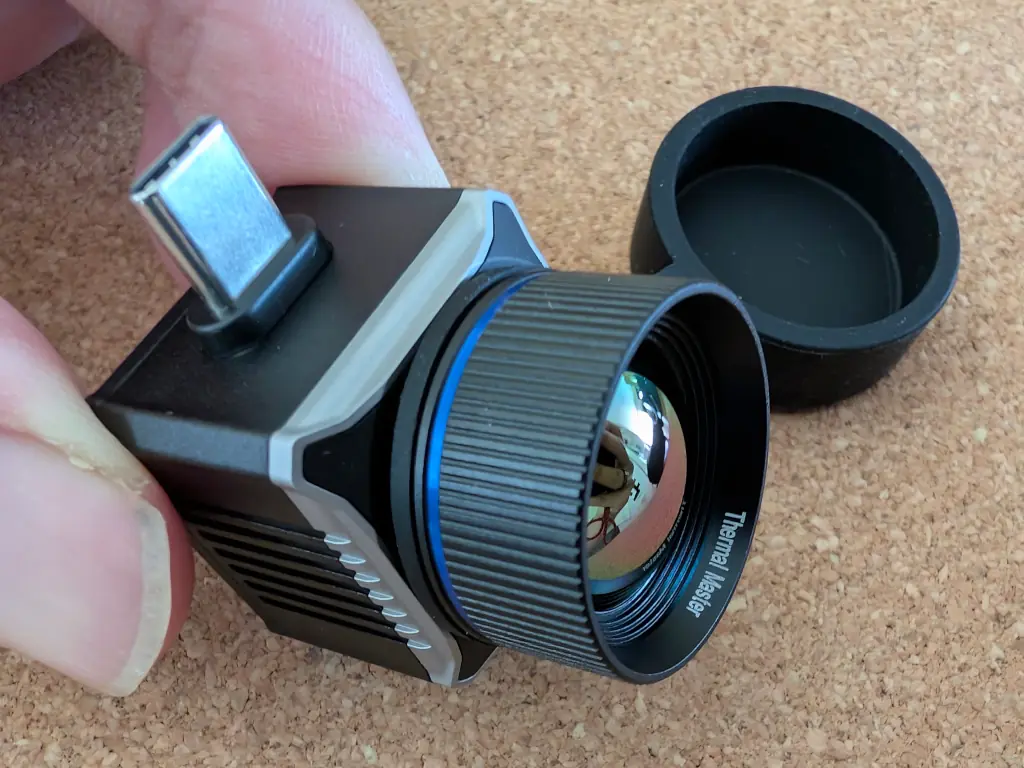
Thermal Master boasts that this is the "world's smallest thermal monocular" - and it is easy to believe. The lens is comparatively huge, but the total package size is tiny.
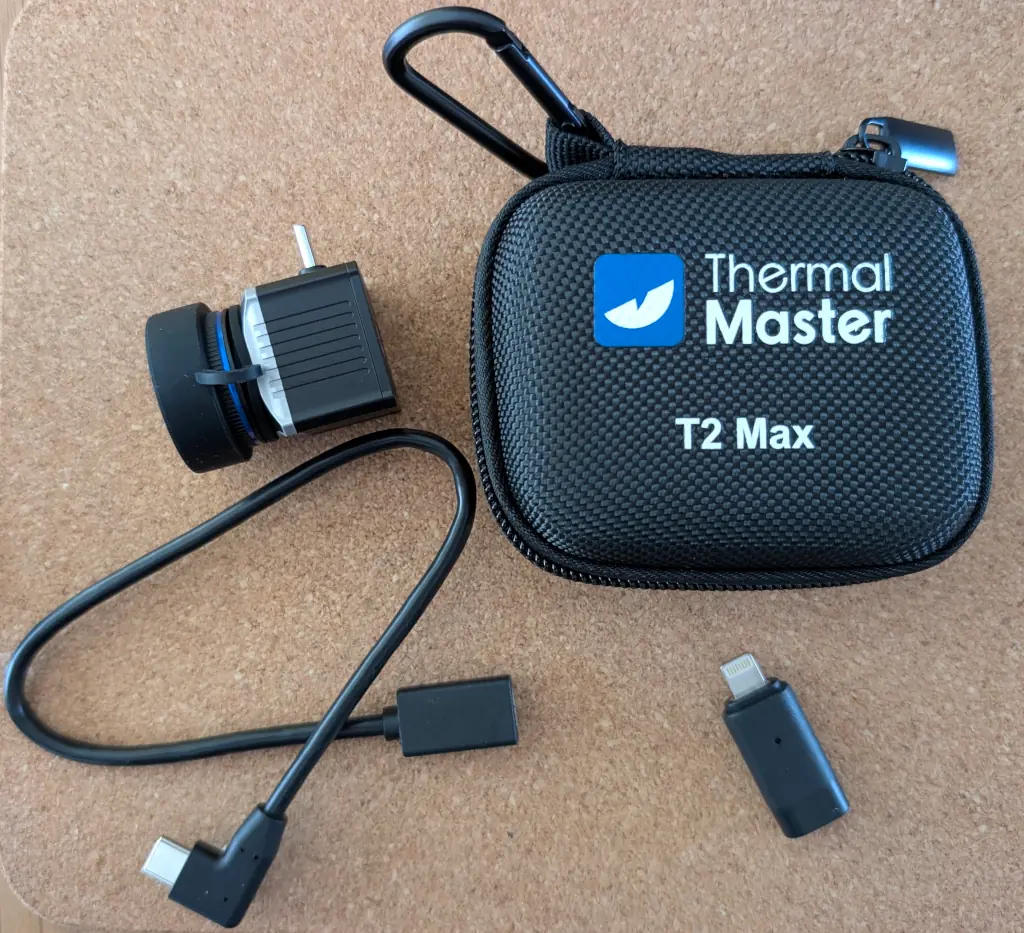
In the box you get the camera module with rubber lens cover, a short extension lead, a Lightning adapter, and a handy carry case which is well-padded and has a carabiner clip.
The focus is manually adjustable. Gently twist the lens until you can clearly see what it is pointed at.
Wanna see some photos?
Photos
These are the original photos, untouched. Annoyingly, the images are rotated 90°, so I've fixed that. I've also removed the geolocation.
Photos are 1008x1344 pixels. Of course, that's massively upscaled - still, the level of detail is impressive.
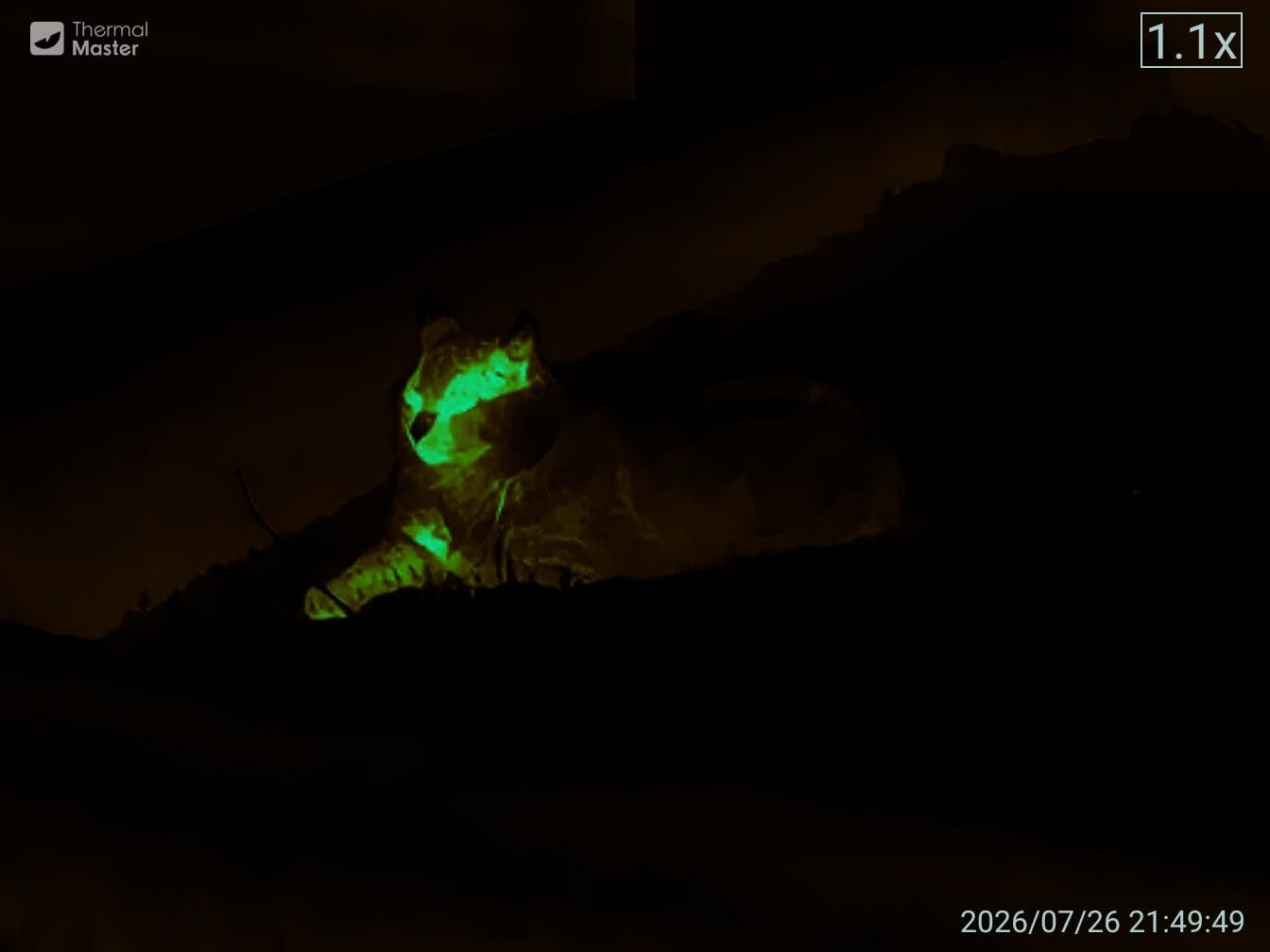
Here's a cat I spotted. 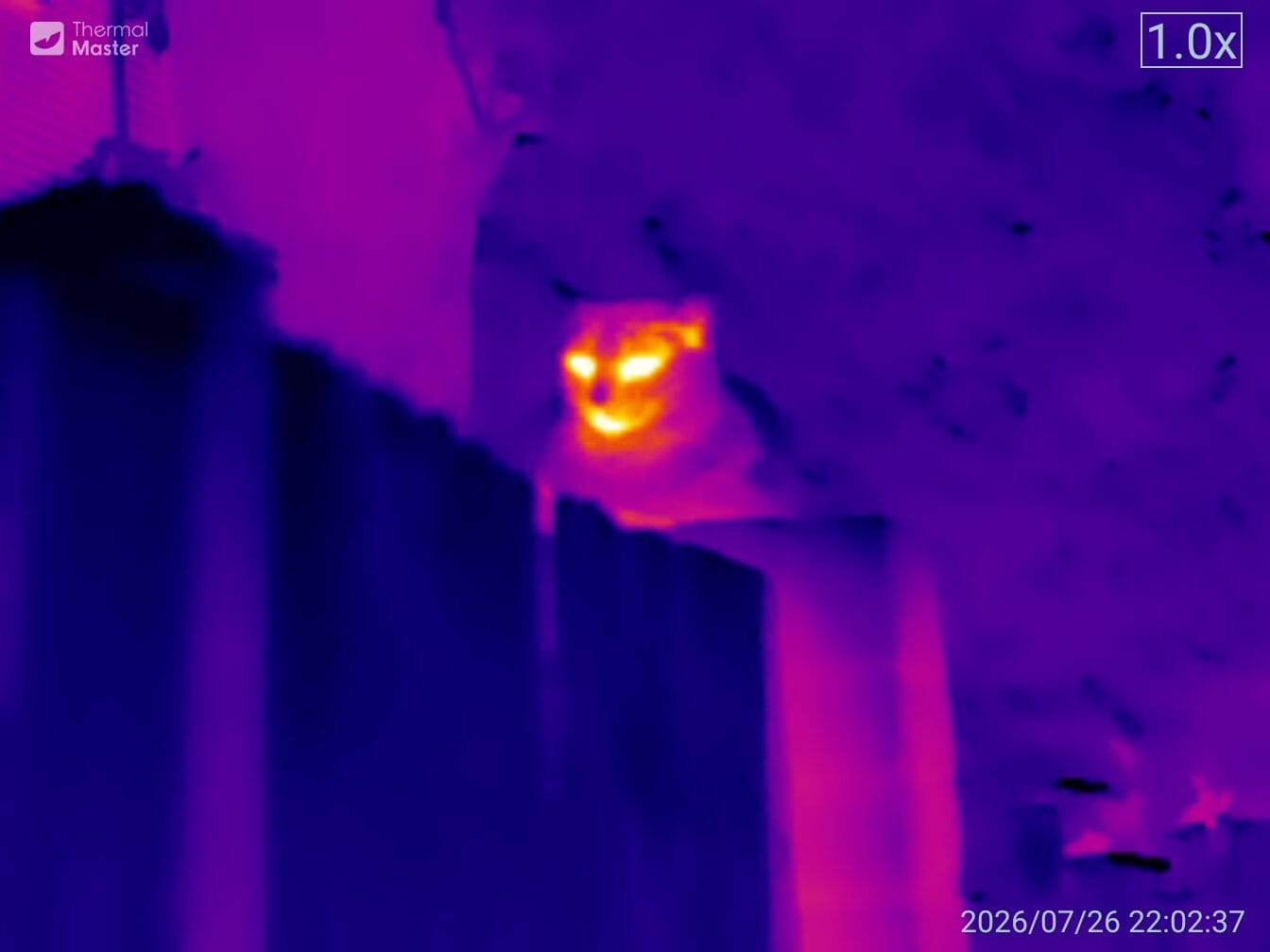
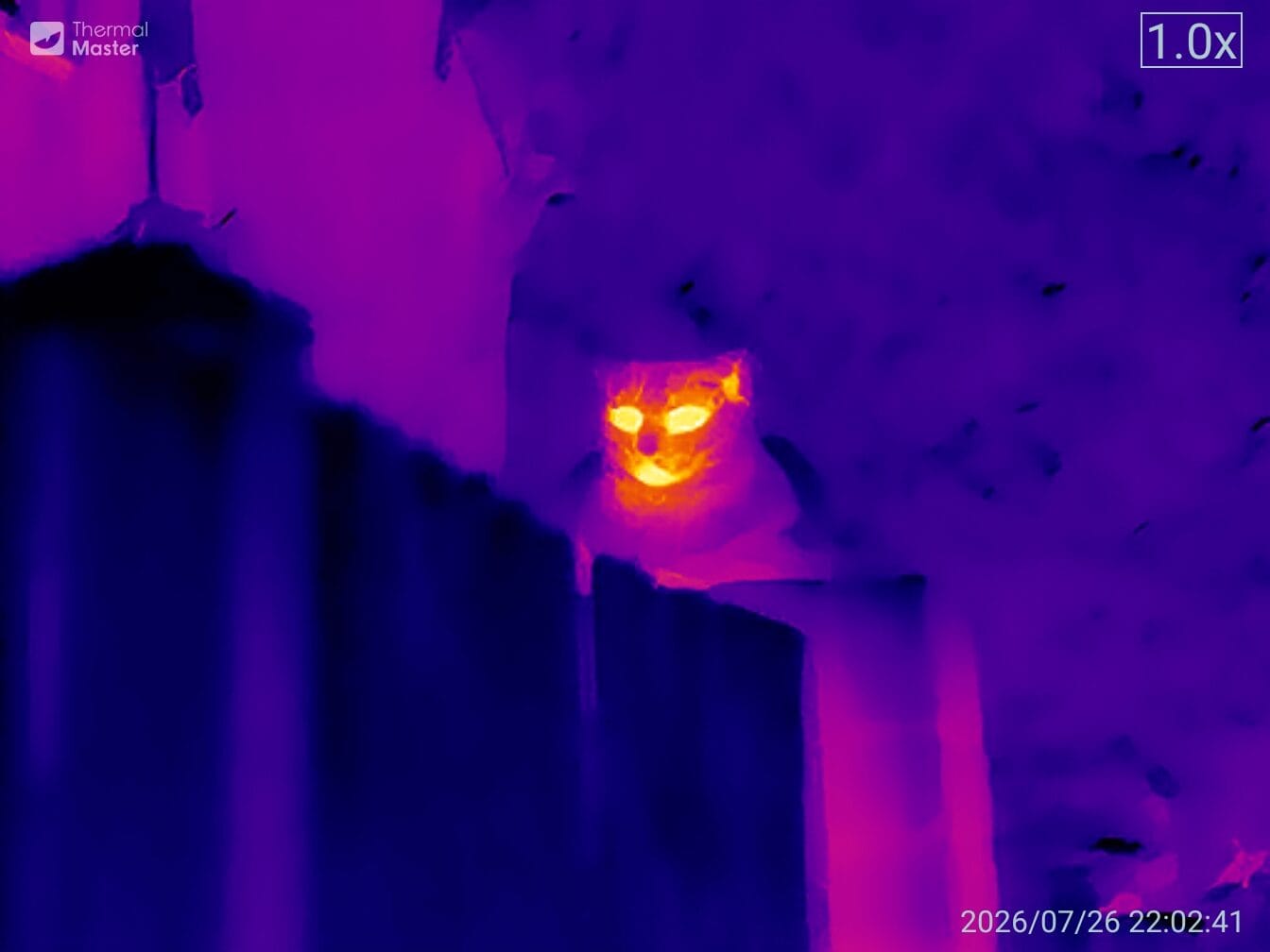
Turning on the X3 enhanced mode, and you can see the amount of extra detail it extracts.
There's a variety of thermal modes. Particularly effective is this one which highlights heat in green and lets the rest of the image fade away. Very good for birdwatching.
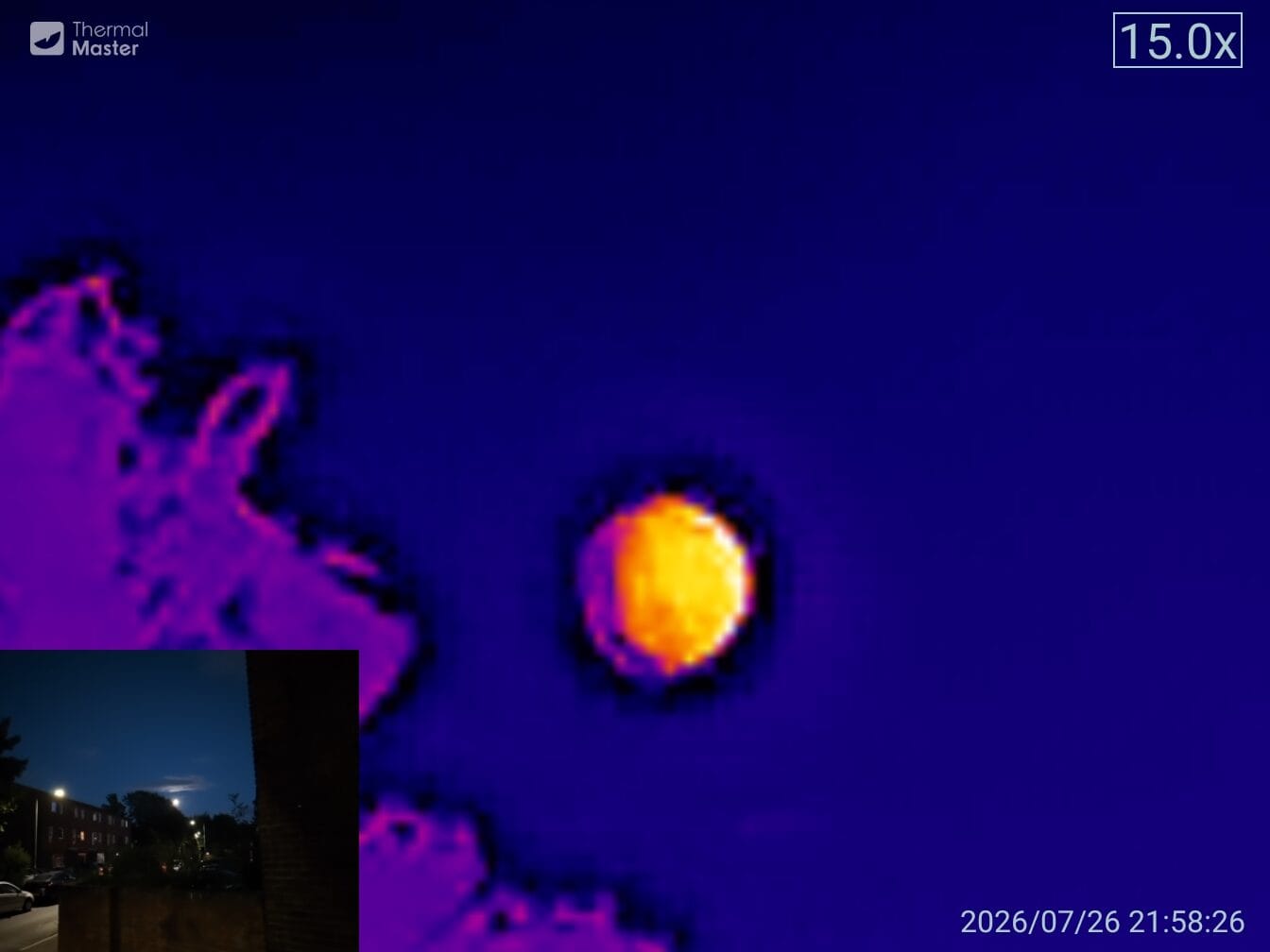
The zoom is relatively impressive, and the picture-in-picture mode allows you to see an optical image as well as thermal. Here's the moon.
Videos
Video is about 25MB per minute with a resolution of 672x504. Here's a re-encoded video showing off the various thermal modes, focuses, etc.
Your device's microphone can be used to record an audio track. That's useful for giving commentary on what you're seeing. I've stripped it out because you don't need to hear me chatting to the cat.
The camera can pick up a remarkable amount of detail - although the zoom is digital rather than optical.
Framerate starts off well but, as you can see, degrades a bit. I suspect that's the app's fault. It's a real shame because the phone screen seems to display a silky-smooth frame rate.
Android App
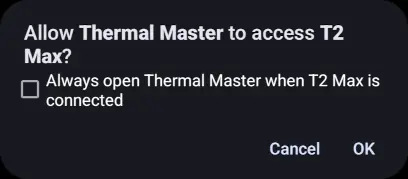
Once you've installed the Thermal Master app, you can set it to open as soon as the camera is plugged in.
The app takes a bit of getting used to. There's no direct on-screen "take photo" button, you have to open it up from a menu, which is a little annoying.
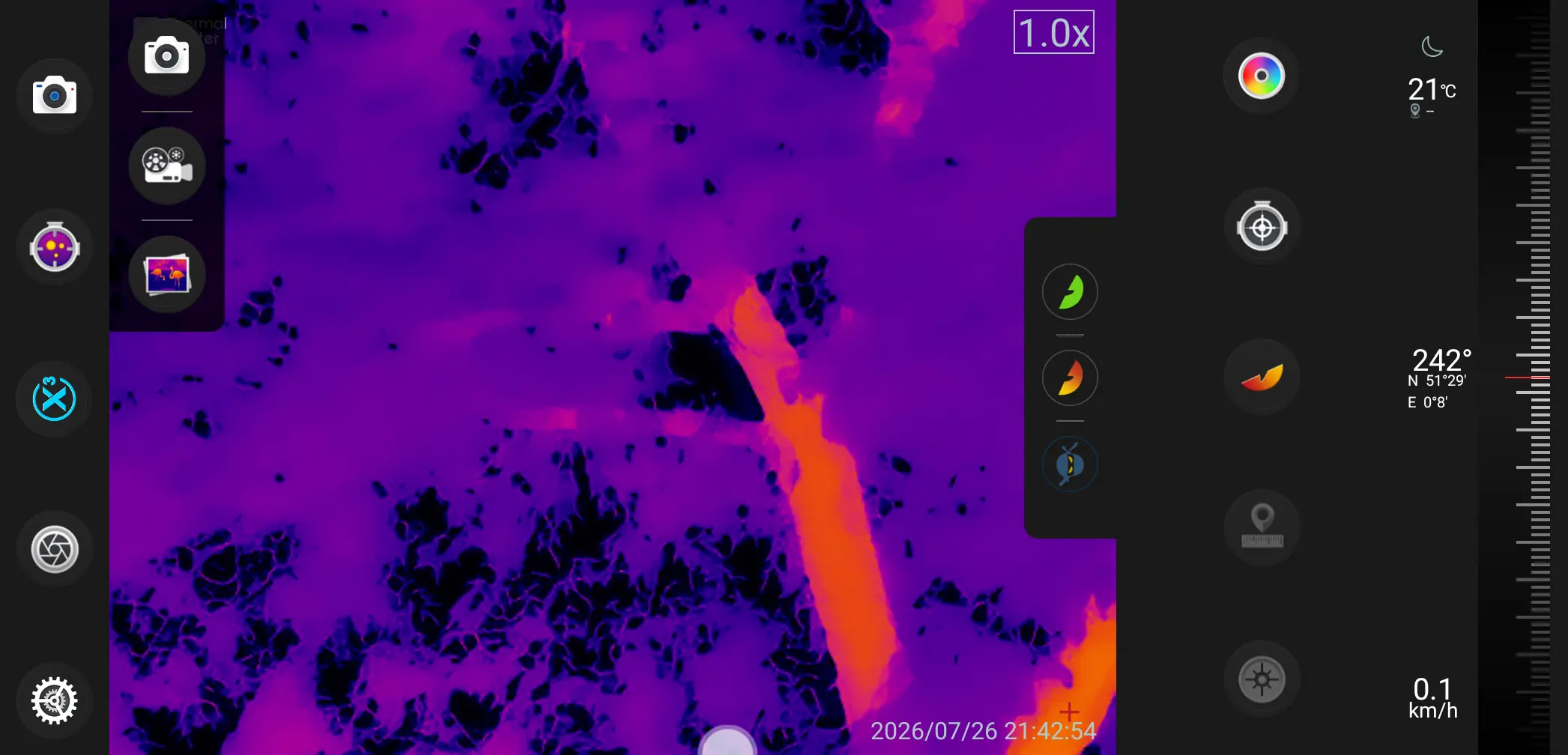
There are a decent amount of options to fiddle about with. Because USB-C is bidirectional, the camera can either face you or away from you. If you swap orientation you'll need to adjust the settings.
It also has a "Picture in Picture" mode which overlays the thermal image with what your device's regular camera is seeing. That's handy in daytime, but a bit pointless at night.
Sadly, the app is a bit crap. It crashed several times while I was using it.
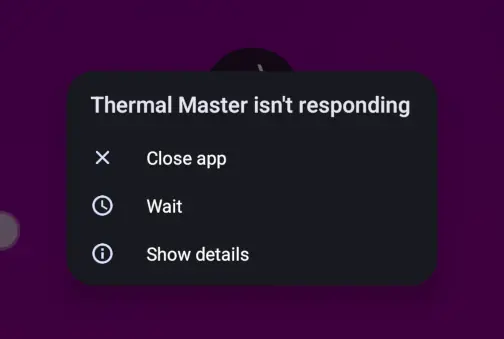
The interface isn't brilliant and you'll find yourself taking several taps to do anything basic.
iOS Support
No idea. It should work with newer USB-C iPhones. It also comes with an adapter for older Lightning port devices.
Linux Support
Nope. I tried using the extension cable and plugging it directly into my computer's USB-C ports. I got this series of errors from dmesg:
device descriptor read/64, error -32
attempt power cycle
new full-speed USB device number 17 using xhci_hcd
Device not responding to setup address.
device not accepting address 17, error -71
WARN: invalid context state for evaluate context command.
unable to enumerate USB device
I rotated the cable, and it showed up as 3474:41b2 Thermal Master Technology Co., Ltd. T2 Max. I suspect that it doesn't have the internal resistors needed to signal that it is a USB 2 device - and the included extension cable is wired to only provide them on one orientation. Even after all that, I couldn't get it working in any standard Linux tools.
To be fair, it isn't marketed as being suitable for computer use. It explicitly says iPhone and Android only. Ah well!
Price
Thermal Cameras are expensive - even more so when they're miniaturised like this. So, brace yourself, it is on sale for £320!
Readers can use the code THERMBIRD10 for 10% off at Thermal Master website, or Amazon UK, or Amazon.com.
Final Thoughts
If you spend a lot of time looking for wildlife, The T2 Max is a decent bit of kit. It is small, lightweight, and easy to integrate with your phone.
The app is a real let down. It isn't exactly the zenith of interaction design - but you'll find your way round it easily enough. The real problem is the frequent crashes an the lapses in frame-rate while recording video.
Because of the design of the lens, it isn't great for domestic tasks like spotting leaks & hotspots. For that you'll want something like the Hikmicro unit I reviewed last week.
Being able to shove it into your phone means that it can easily integrate into your workflow. You can edit, crop, and post images just as you normally do. For such a small device, you get a lot of image - and the on-board processing is excellent.
Sadly, the zoom is digital, rather than optical. All you're doing is blowing up pixels rather than getting closer to the subject.
The image quality is exquisite but the Android app is a real let down. If you're prepared to put up with a baffling interface and occasional crashes, you'll get some fine photos and videos out of it.
