NuPhy Kick75
Follow into
Save into
Follow into
If you’ve been around the mechanical keyboard scene for a while, NuPhy’s name has probably come up at some point, most likely attached to one of their Air series low-profile boards. Over the past few years they’ve put out keyboards that look better than they have any right to at their price point, with a sound and feel that punches above their weight class and without the pretentiousness that usually comes with enthusiast hardware. The Kick75 is one of their more interesting releases so far, because it’s a hybrid-profile board. It is one PCB and one chassis that take two different switch and keycap ecosystems, using a relatively inexpensive swap kit.
This is not the kind of board I’d normally gravitate towards, as my collection is more on the enthusiast side of the hobby, with a RAMA M60-A as my HHKB endgame, a RAMA KARA as its wingman, and the “Kunai” Corne V3 as my ergonomic daily driver. The 75% layout has never quite, erm, clicked for me. :-)
Still, the Kick75 is interesting enough that I’ve spent a fair amount of time with it. This is a write-up on my thoughts and opinions on the NuPhy.
First look
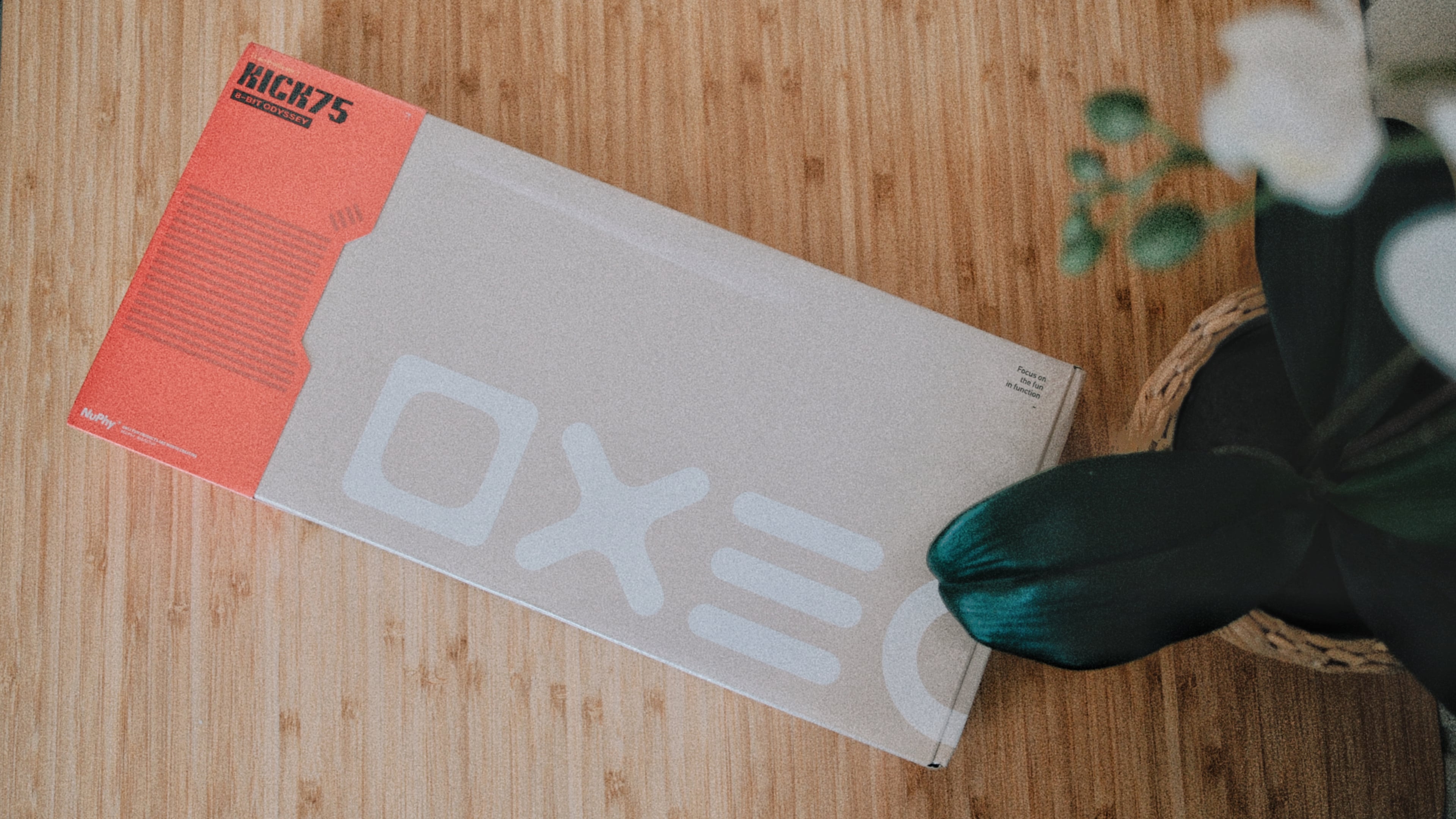
I’ll admit that when I first saw the board in person at the NuPhy showroom in Seoul I was skeptical. The mechanical keyboard hobby has seen its fair share of exotic ideas and plenty of them exist to solve a problem that nobody really had. Unlike the Air series, which is purely low-profile, or the Halo and Field series, which are standard height, the Kick75 is meant to be both. My question was whether that flexibility works in practice, or whether the result is a compromise that is worse than either option by itself.
Geometry
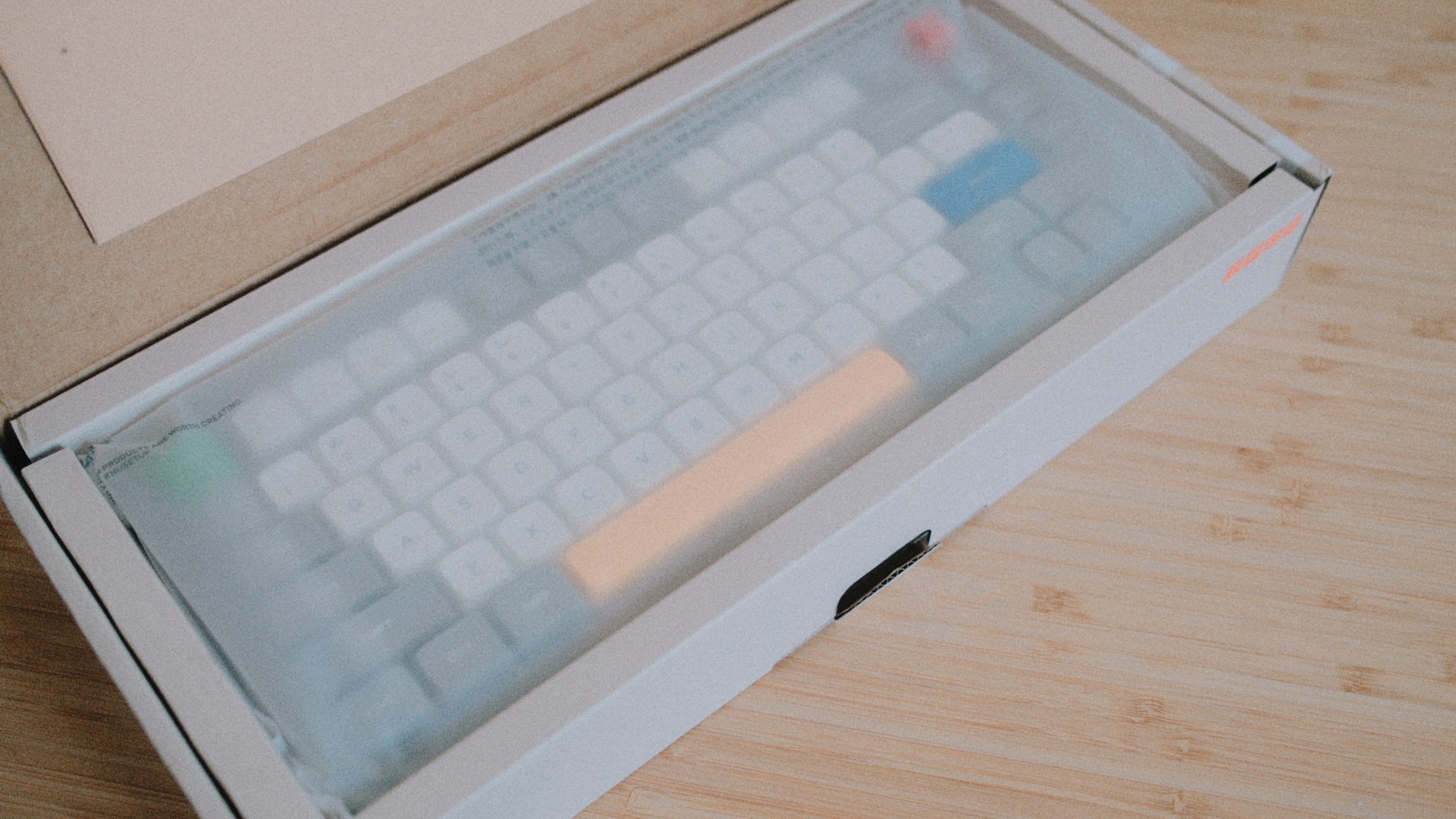
The hybrid mode is achieved by unifying the pin layout and the stabilizer geometry across NuPhy’s nano (low-profile) and Max (high-profile) switch families. Both are 5-pin, both fit the same plate cutouts, and both work with the same stabilizers, which is a non-trivial engineering exercise.
NuPhy markets the two families as sharing a unified 3.5mm travel, but as we can see from the individual spec sheets the reality is not as clear-cut. Only the Red nano and Brown nano are at 3.5mm, the Silver nano and the Red Max, Brown Max and Silver Max are at 3.4mm, the Blush nano is at 3.2mm, and the silent Blush Max is at 3.8mm. However, none of those differences are likely to be noticed by the target audience while typing.
Both lines come in the same four variants, where Red is the plain linear at 45g operating force, Brown the tactile at 50g, Silver the speed switch with its pre-travel cut from 1.8mm down to 1.2mm, and Blush the silent version, which uses a silicone insert in the stem instead of pads on the housing.
The nano switches are made almost entirely out of POM, with the silent Blush as the exception with a PC top and a PA66 bottom. The Max switches keep the POM top housing but move to PA66 at the bottom, with LY stems on the Red and Brown, a Y3 stem on the Silver, and POM on the Blush.
Whichever profile you pick, the board uses the same PCB and the same PCB gasket mount, so the case contributes the same way acoustically in both setups. What makes the tonal difference are the switches and the keycap profile.
Specs
Spec Detail Layout 75% / 80 keys Mount PCB gasket mount Top/Bottom Case Polycarbonate (translucent frosted) Plate Polycarbonate Stabilizers Plate-mounted, factory-lubed Switches nano (LP) or Max (HP), 3/5-pin hot-swap Keycaps Double-shot PBT, nSA (LP) or mSA (HP) Backlight South-facing per-key RGB, 40+ modes Connectivity USB-C wired, 2.4 GHz, Bluetooth 5.0 Polling Rate 1000 Hz (wired/2.4 GHz), 125 Hz (BT) Battery 2500 mAh (NuPhyIO) / 4000 mAh (QMK/VIA) Battery Life Up to 360h (lights off), ~90h (lights on) Weight 877g (LP) / 1009g (HP) Feet Magnetic kick-out, 6° / 12° Firmware NuPhyIO (default), QMK/VIA (paid SKU) Price $109.95 (NuPhyIO) / $129.95 (QMK/VIA) Conversion Kit $29.95 (sold separately)
The board that I got to test came with the default NuPhyIO firmware.
Aesthetic
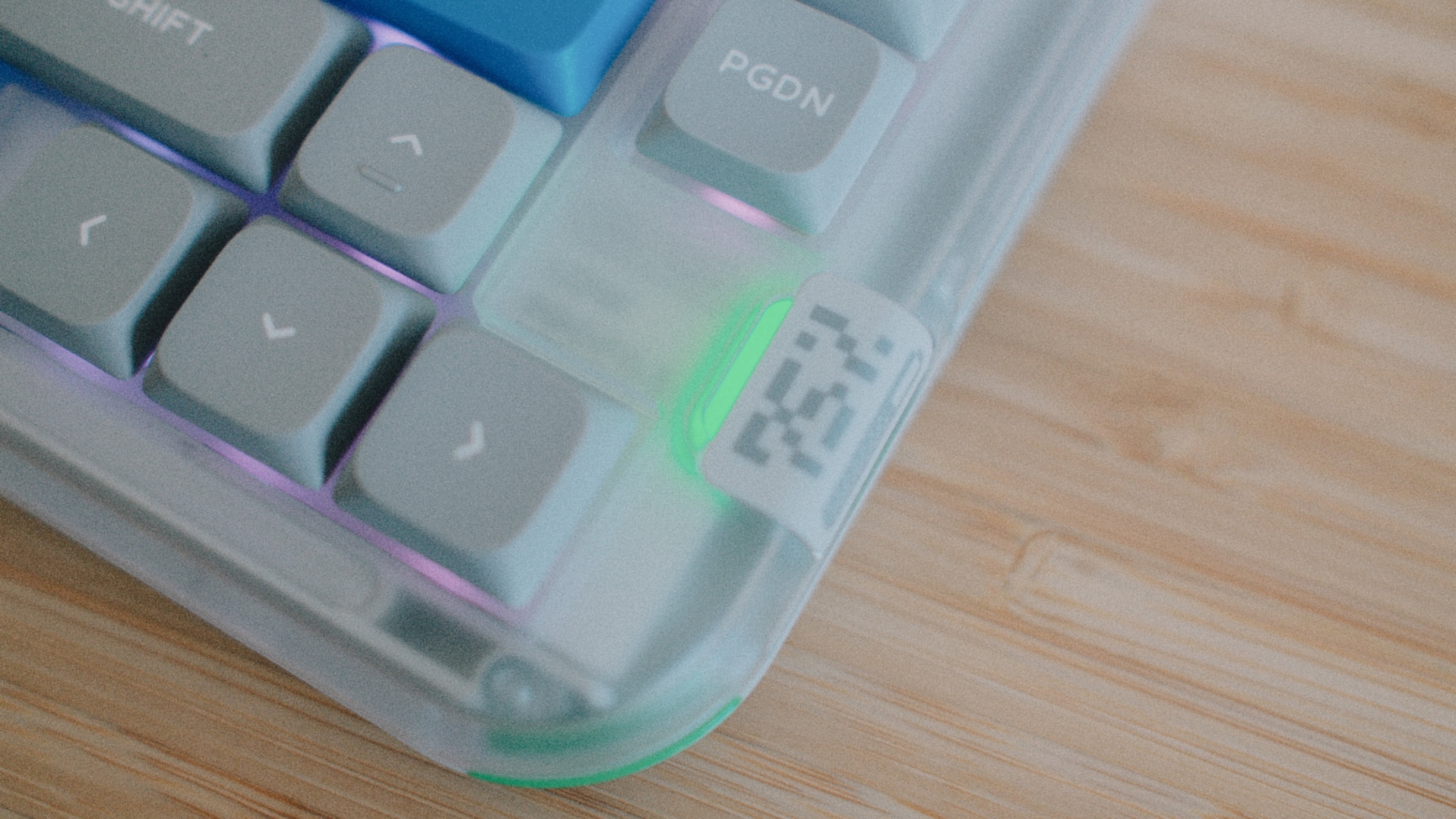
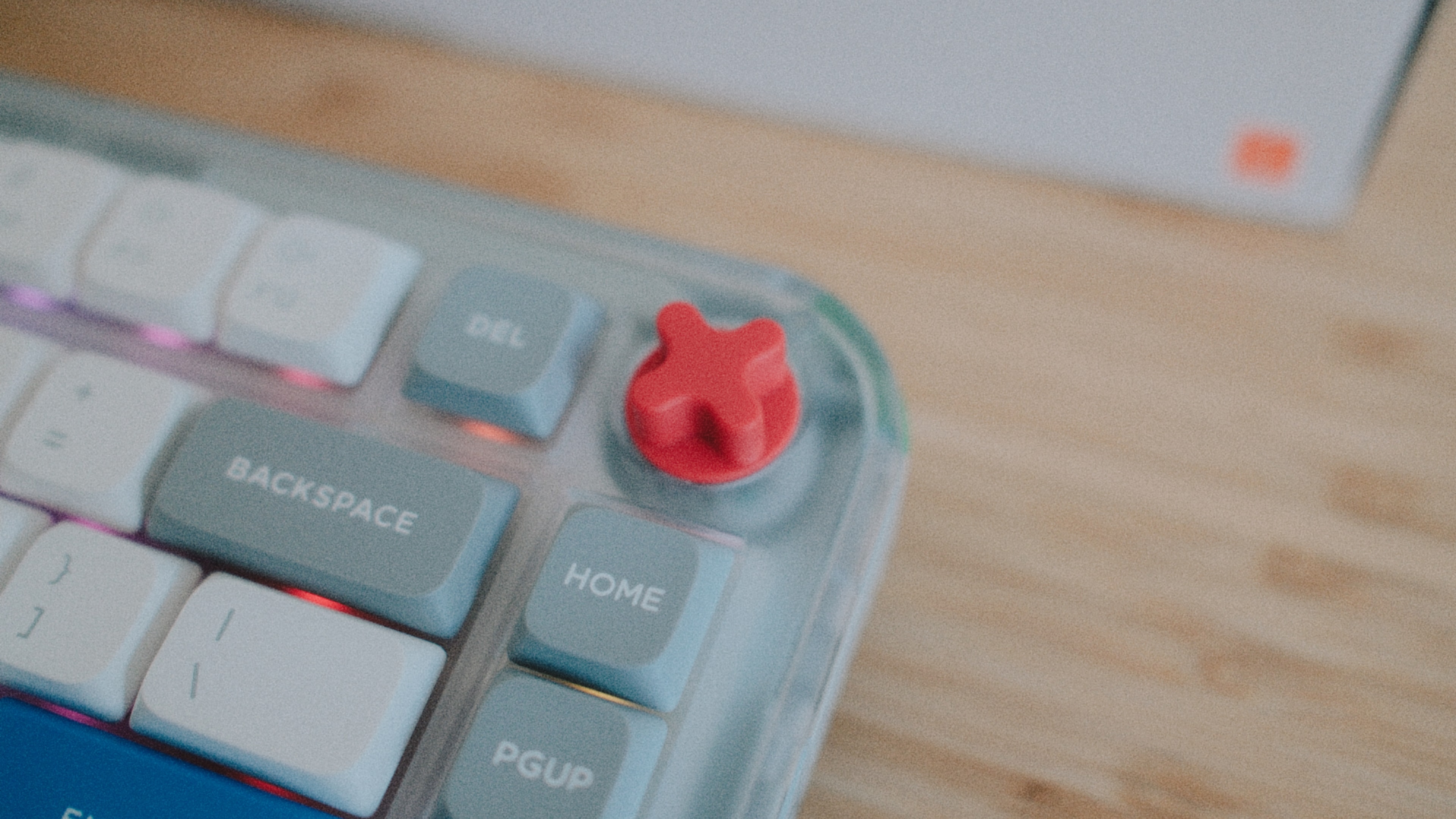
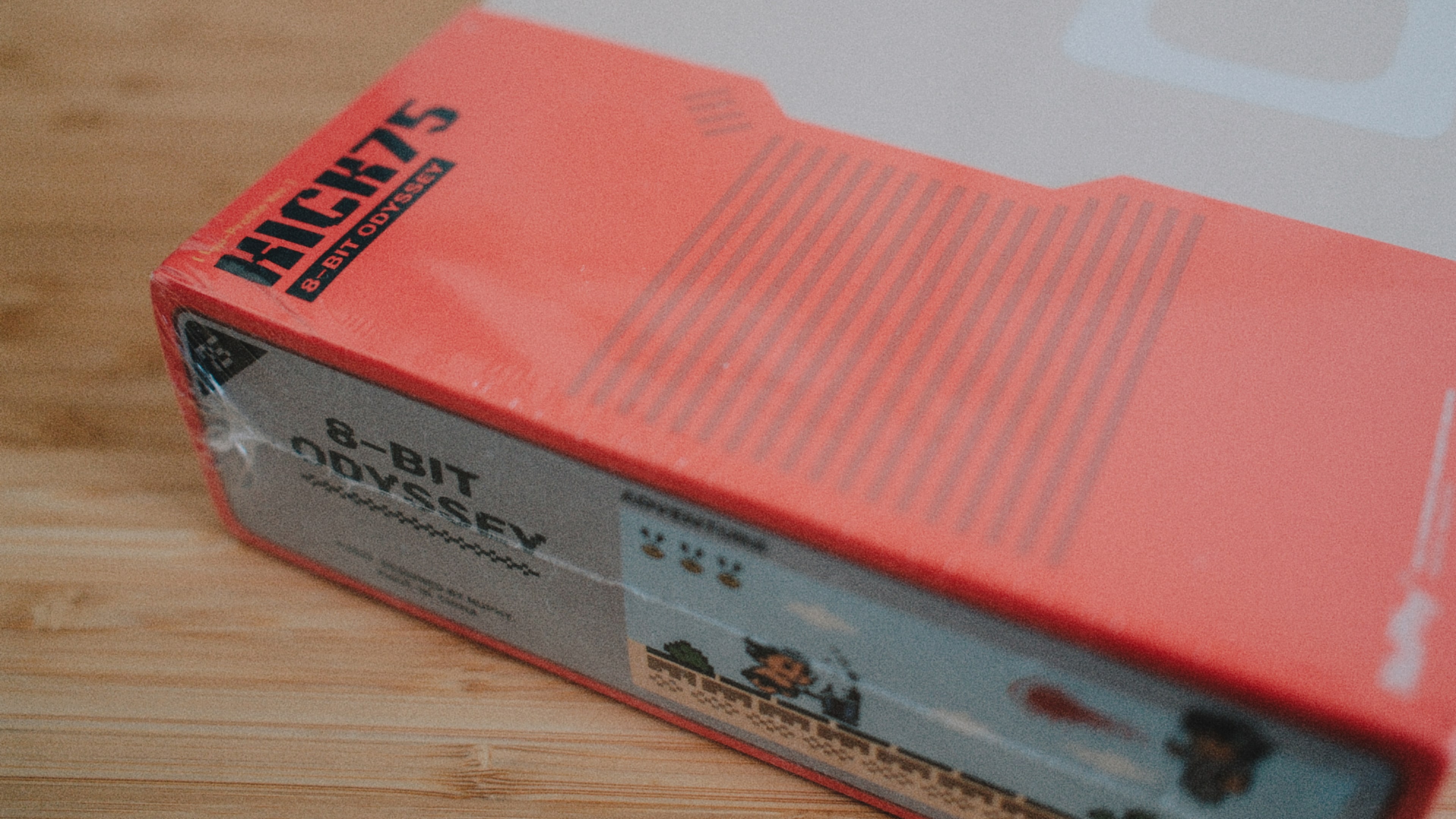
NuPhy call the aesthetic of the Kick75 the 8-Bit Odyssey theme, which means a translucent frosted polycarbonate chassis, a faint cartridge-style groove on the underside, four-color accents on a handful of the keys, and a bright red volume knob that looks like it came off a piece of late-80s hardware. There’s some pixel art on the bottom plate as well. The board looks sort of retro and you either like that or you don’t. I personally like the aesthetics.
Build
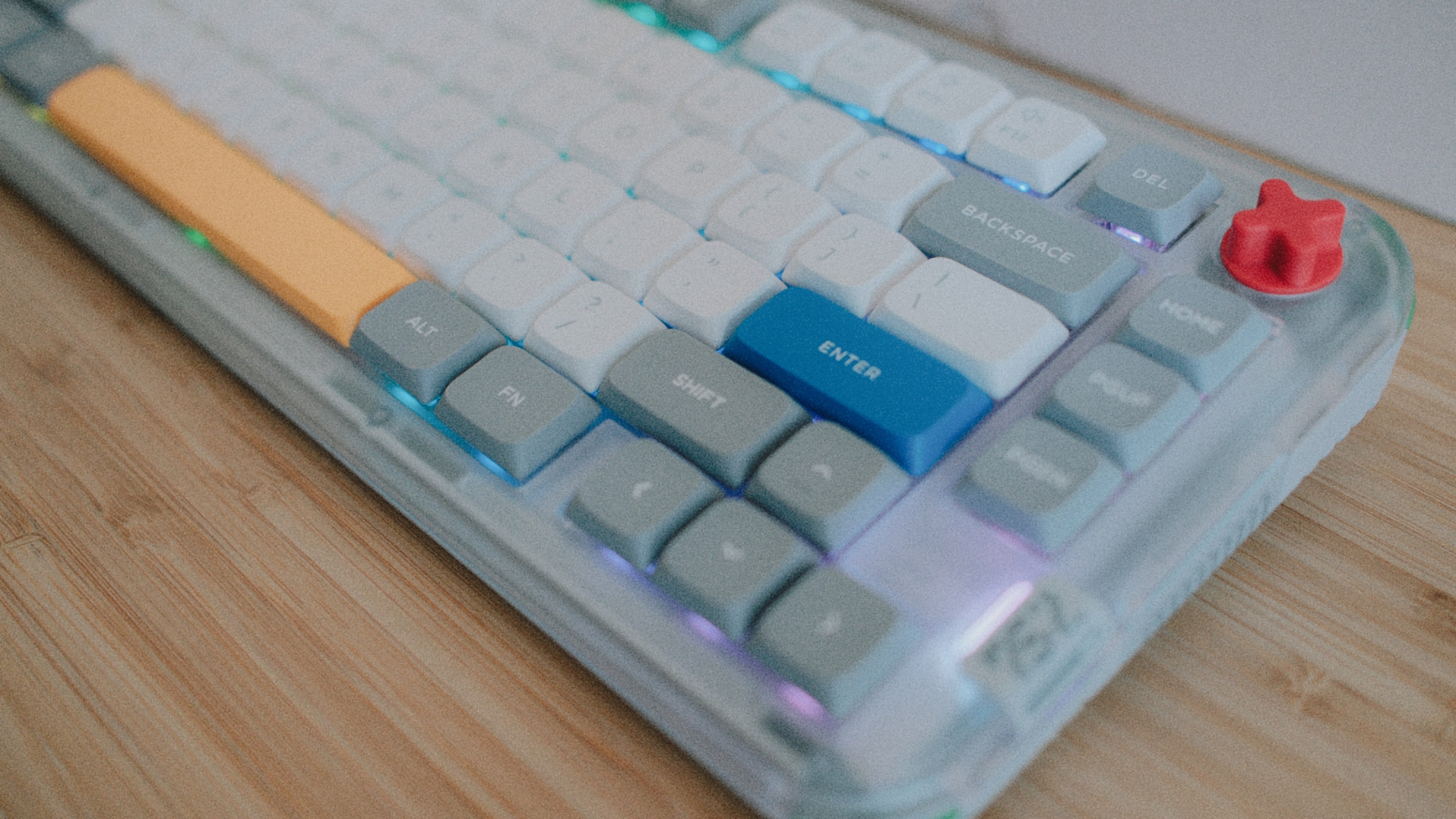
The Kick75 is entirely made of plastic, with the top case, the bottom case, and the plate being all PC. For a board between $109 and $129 that’s neither surprising nor unreasonable, but it does set some expectations. This is not a RAMA (R.I.P.) or Mode, nor is it even a mid-tier aluminum 75% that you can get for around the same money these days. What you’re paying for is the engineering behind the hybrid concept and the sound dampening that goes with it, but definitely not the material.
Before this turns into an it’s just plastic dismissal, the RAMA KARA in my own collection is also a plastic board, and with the internal dampener and a decent switch choice it thoccs a lot harder than you’d normally expect an ABS case to. Chassis material matters less than what is done with it, and, to be fair, NuPhy seem to have put a fair amount of work into that part.
The dampening is pretty elaborate, with five layers inside the case, namely plate foam, a switch pad, a sound damper, PCB foam, and bottom case foam. The result is a soft, cushioned bottom-out with a bit of bounce to it.
The translucent PC case diffuses the south-facing RGB evenly through the chassis. The stock PBT caps are not shine-through, so the light comes out around the keys rather than through the legends. However, the milky diffusion of the PC helps the board avoid the trashy harsh Christmas-tree look that a lot of consumer-tier keyboards normally have. If you care about RGB at all, then you might find that this is a decent implementation.
The magnetic kick-out feet give two angles, 6° and 12°, and they hold with enough force that they don’t feel flimsy. The volume knob, depending on your taste, is either the most interesting detail on the keyboard or the most too-much one. It’s bright red, it’s relatively big, and it is set into a recessed corner of the case. I personally think it works quite well, but it obviously adds a lot of playfulness to the overall aesthetics that some might not find particularly appealing.
Feel
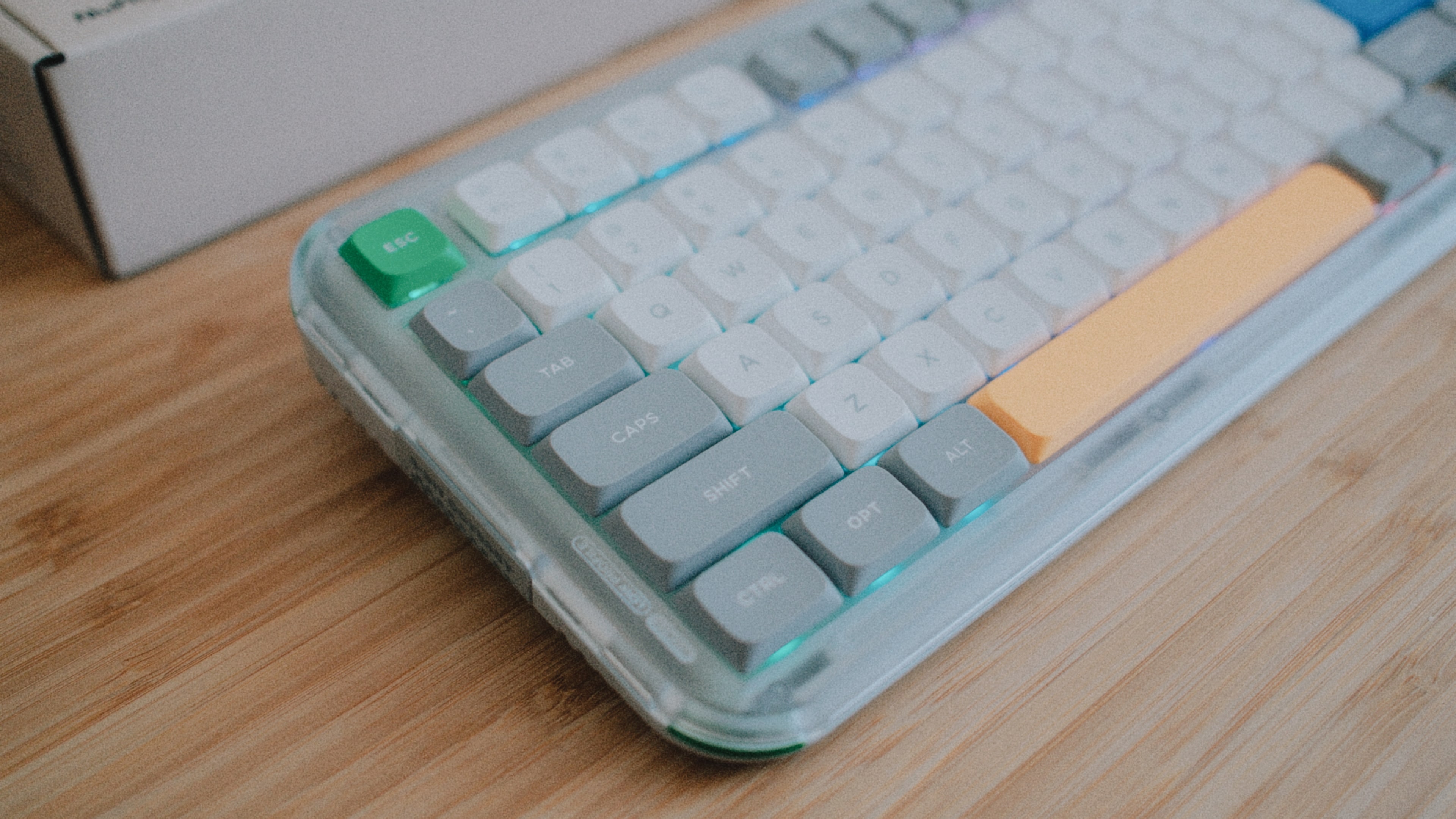
The Kick75 is comfortable to type on for extended periods. The gasket mount takes the edge off the bottom-out without turning the keystroke mushy, and on the low-profile side the 3.5mm travel is noticeably more than you get on most laptop-class keyboards. On the high-profile side the 3.4mm is shorter than the usual 4.0mm, which makes the Max configuration feel a touch snappier than your average gasket-mounted 75%.
The tactile Brown switches have a 50g operating force and a 65g bottom-out, which is on the lighter end of modern tactiles, and the bump is gentle without being mushy. The linear Red switches are more predictable at 45g and roughly 60g, while the Silvers are the lightest of the four and actuate 0.6mm earlier. The Blush switches are the silent option, and the silicone in the stem does a good enough job that you can still tell where you are in the stroke.
Wobble is in line with what you’d expect from a modern hot-swap implementation. There’s a touch of stem play in either direction, more visible on the Max switches because of their taller stems, but nothing that disrupts normal typing. The stabilizers are plate-mounted and factory-lubed, with no audible rattle out of the box.
Sound profile
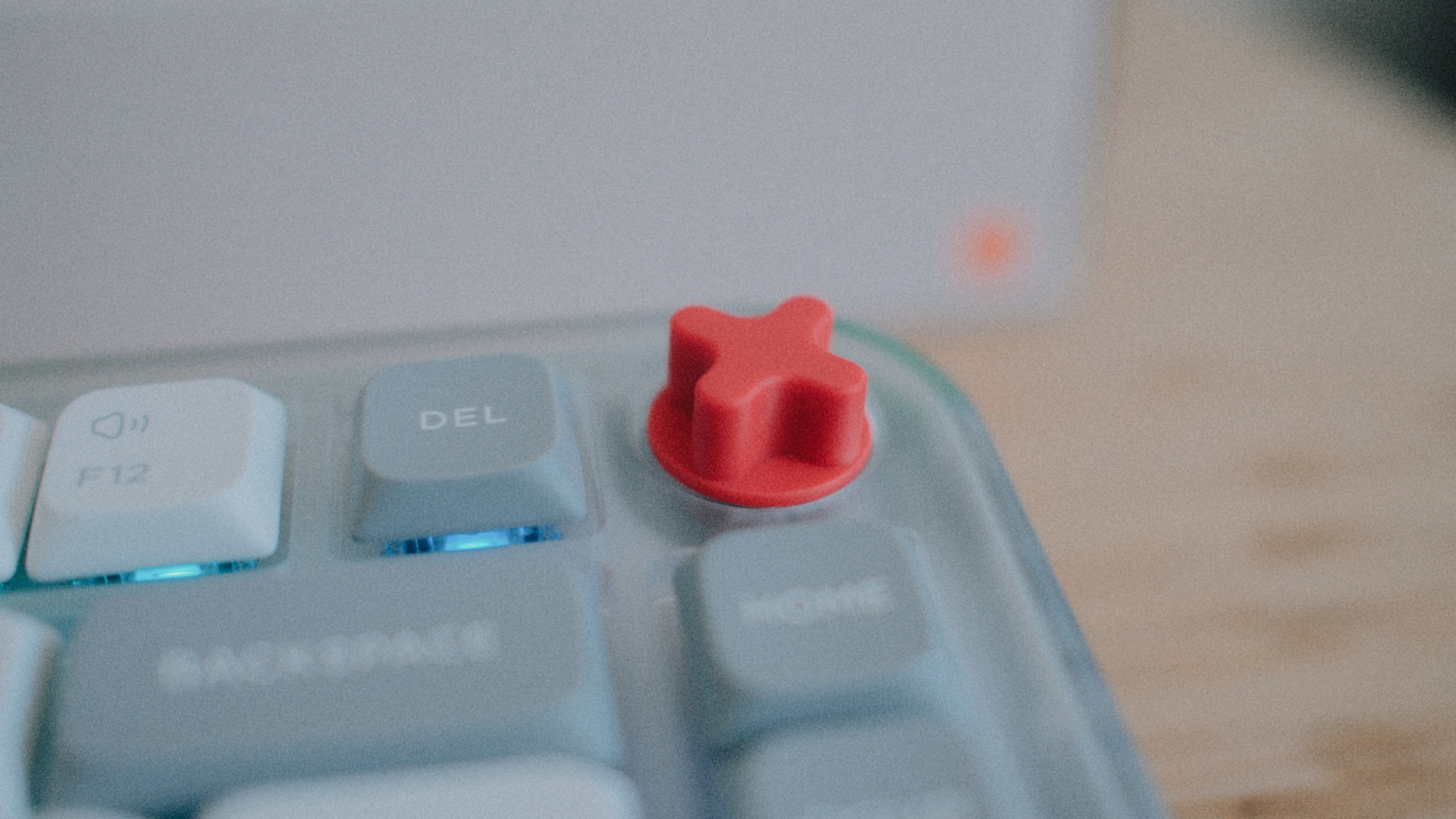
Acoustically the Kick75 has a decent, thoccy, creamy sound profile, especially on the low-profile side. The double-shot PBT keycaps, nSA on the low-profile and mSA on the high, are chalky-textured and relatively thick. They’re not the deepest-sounding caps I’ve typed on, but they avoid the cheap, hollow clacking of thinner ABS sets.
To set some reference points against my own collection, the M60-A is at the deep, heavy, dense end of the spectrum, the KARA is premium-feeling-despite-being-plastic thanks to the internal dampener and the screw-in stabilizers, and the Kunai is clacky-and-busy compared to those, and obviously has a lot less depth than the others. The Kick75 doesn’t get anywhere near the M60-A’s density, and I doubt that anything at this price would, but it ends up somewhere between the KARA’s and the Kunai’s character. For a $109 factory-built board with a polycarbonate chassis that’s not at all a bad result.
Swapping profiles

If you’re thinking “Cool, I can swap between profiles whenever I feel like!” then you might be in for a bit of a disappointment, because switching between the low- and the high-profile is not quick. It’s a full disassembly that takes around an hour if you’ve taken keyboards apart before. You need to unscrew the case, lift the assembly out, swap the plate foam and the switch pad, move the stabilizer buckles over to the other profile, and reseat the gaskets. Then you pull every single switch, install the switches of the other profile, and put all the keycaps back on. Only then can you close everything back up with the other top case and, going from low to high, fit the knob extension.
The $29.95 conversion kit covers the top case, the plate foam, the switch pad, the knob extension, and it comes with a screwdriver with the two bits you need. It however does not come with the switches or the keycaps for the other profile, which you have to buy separately.
Hence I would argue that for most people the Kick75 is a one-way trip. Once you’ve set it up as either low- or high-profile, swapping to the other profile is enough of a chore that you won’t, unless you genuinely enjoy disassembling the same keyboard over and over. If you do want to switch back and forth regularly, you’re probably better off buying two units, because the kit plus a second set of switches and keycaps gets you pretty much to the price of a second board anyway.
Low-profile

I have strong opinions on the low-profile side, as I own the Corne V3 (Choc) variant of my primary keyboard and I do not enjoy typing on it at all. Flat, low-travel keycaps remind me too much of the MacBook keyboard, which I’ve avoided for years. The nSA profile on the Kick75, however, is sculpted and not flat, and the 3.5mm travel on the nano switches is at least 0.5mm more than the Choc ecosystem gives you at 3.0mm. Still, I personally dislike lo-pros with a passion.
Software
NuPhy ships the Kick75 in two SKUs. The default $109.95 version runs their proprietary NuPhyIO firmware, configured through a web-based tool that covers remapping, macros, and RGB without the need to install anything locally on your computer. It’s pleasant enough to use, however it talks to the keyboard over WebHID, so it only works in Chromium-based browsers. Firefox and Safari don’t implement the API yet.
The $129.95 SKU replaces NuPhyIO with QMK and VIA support, which is the route I’d have taken if I had actually ordered one for myself.
Charging $20 extra for QMK/VIA, when it comes free on nearly every other enthusiast-class board on the market, is a weird move from NuPhy here. If you want a solid entry-level board that’s as affordable as possible, the NuPhyIO version is fine, I guess, but in all other cases I’d definitely recommend going for the QMK/VIA one instead.
Connectivity
The Kick75 has USB-C, Bluetooth 5.0 for up to four paired devices, and 2.4 GHz through a small dongle that stores magnetically under the case. Wired and 2.4 GHz both run at 1000 Hz, while Bluetooth caps out at 125 Hz, which is fine for typing and acceptable for anything short of competitive gaming. NuPhy rates the 2500 mAh cell at up to 360 hours with the backlight off and roughly 90 hours with it on. I had the board for too short a time to verify either number, so I can’t really speak on whether the Kick75 achieves those.
Verdict
As a hybrid-profile keyboard the Kick75 is an interesting engineering piece that however doesn’t deliver on the casual-swap promise its marketing implies. As a 75% gasket-mounted mechanical keyboard at $109 to $129, however, it’s a good buy, with a sound profile well above its price bracket, a retro aesthetic that I happen to like, and more dampening inside than the price bracket normally gets you.
If you’re shopping for your first enthusiast keyboard and you want to keep your options open between low- and high-profile, the Kick75 is a good place to start. If you’re an established enthusiast with a shelf of aluminum boards, a settled layout, and existing investments in keycaps and switches, it isn’t aimed at you and you’ll get more out of a single-profile board built around what you already have.
For me personally, the Kick75 is not a board I’d permanently add to my collection, but it’s one I’d recommend to someone curious about the hobby who isn’t ready to spend $500+ on a single-purpose enthusiast build. It does most things well, but the profile swap, which is the entire reason the board exists, is the one thing that it sort of fails to deliver.
Note: Unlike most of my other keyboard write-ups this isn’t a long-term hands-on review. The board was borrowed for a limited time and I don’t own it. Take this as a first impression, and use it as a starting point for your own research. Your mileage may vary based on switch choice, build configuration, and what you’re coming from and/or expecting.